Every diagram,
in your brand.
Set your colours, fonts and style once. Every diagram your team makes comes out looking like it came from your design team.
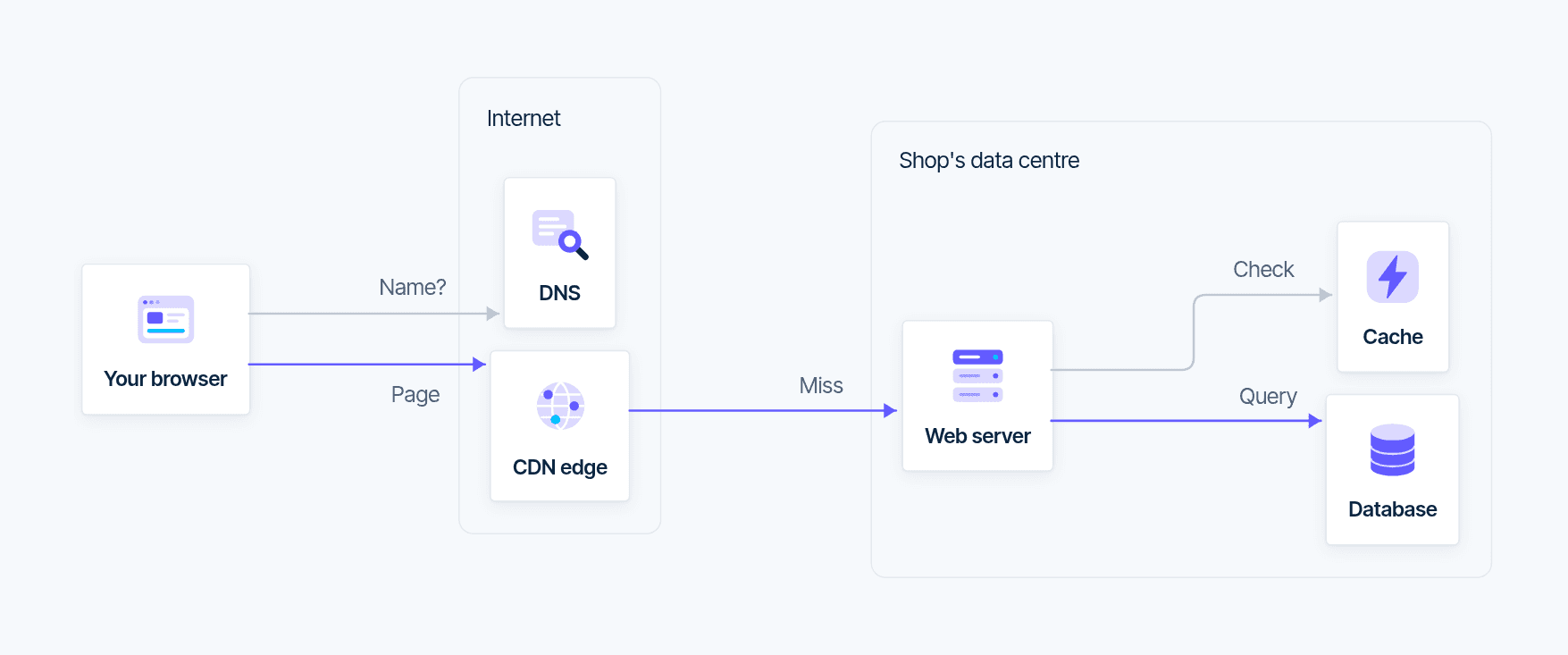
One request. Four brands.
The same diagram, asked for by four different teams.
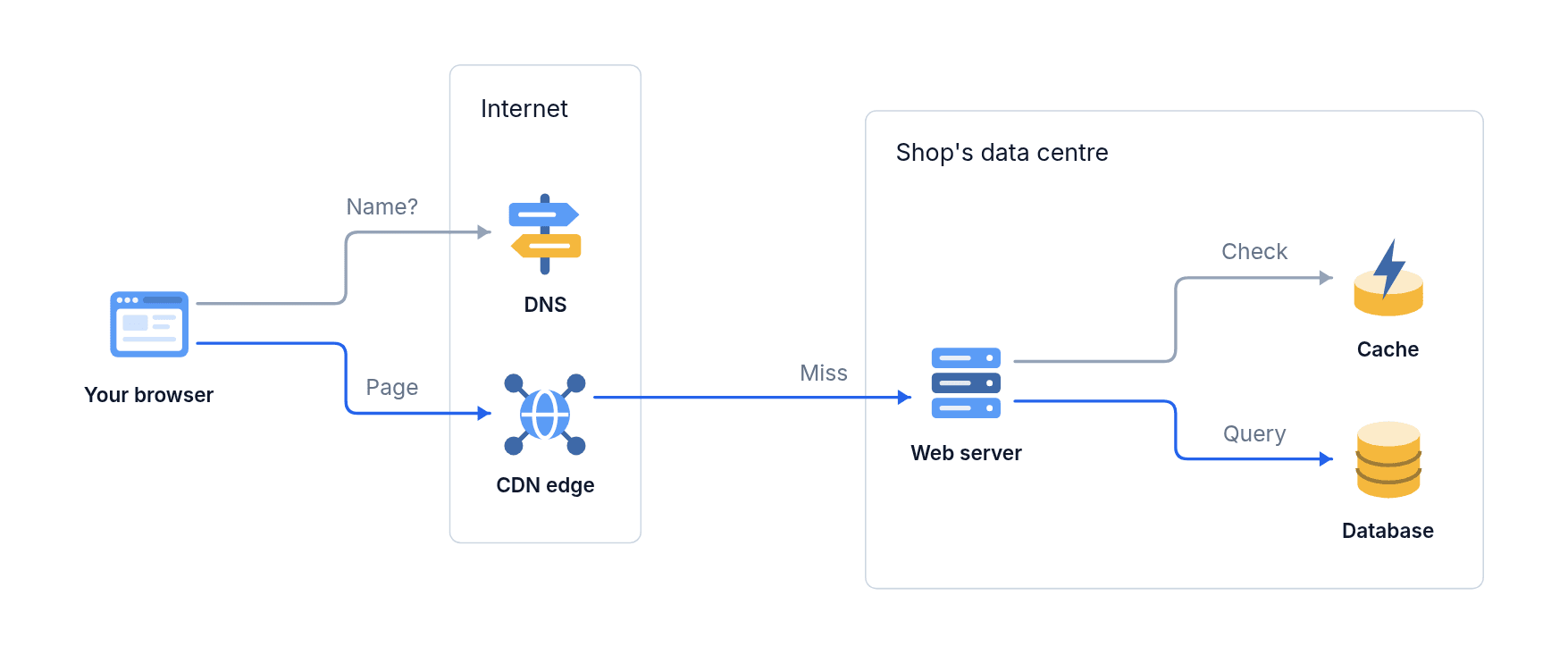
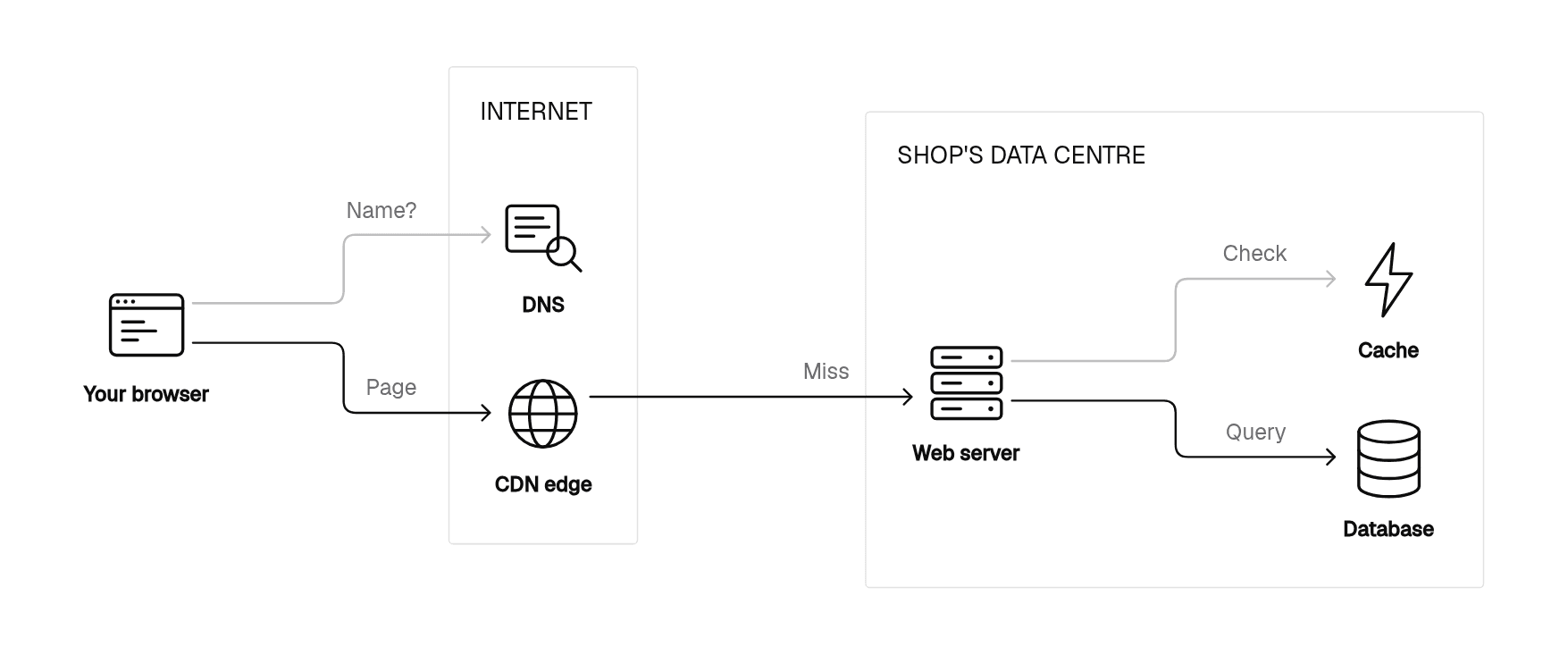
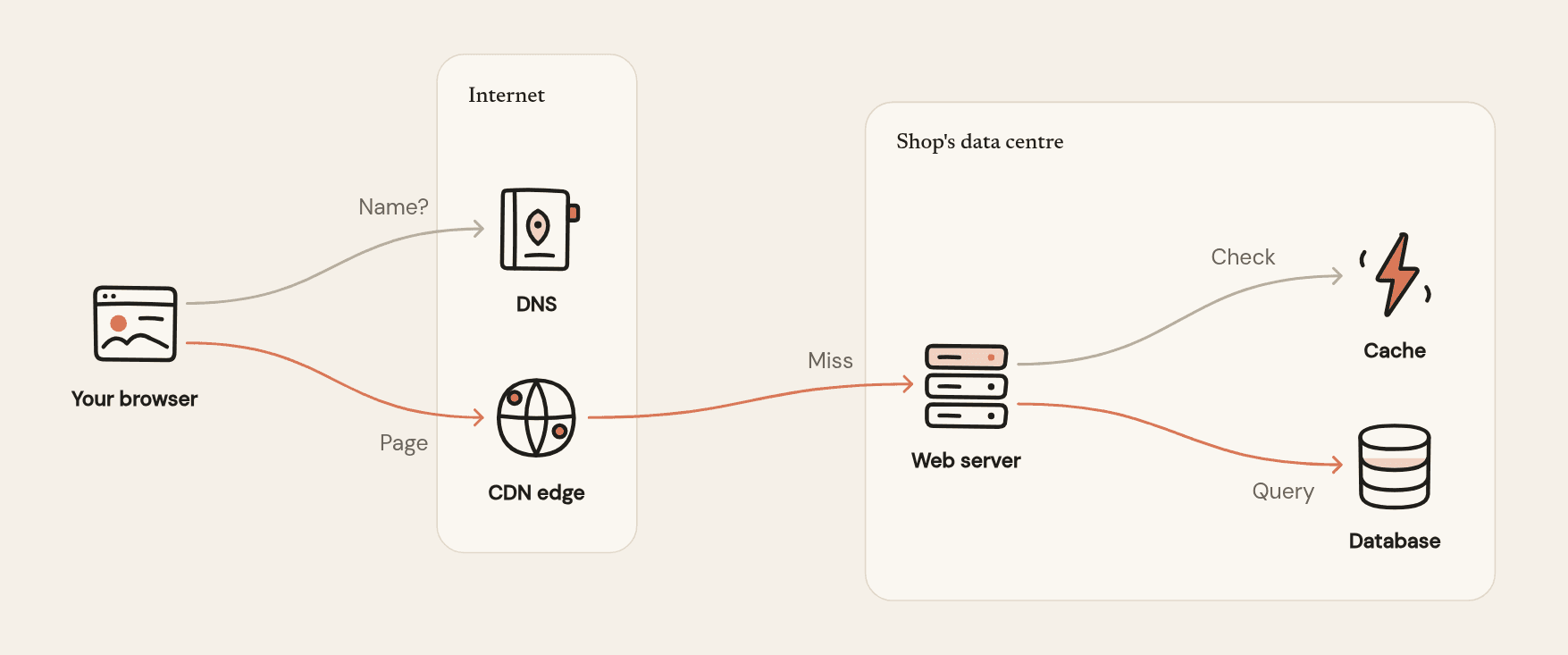
More than a colour swap.
A brand changes how every part of a diagram is drawn.
Colours
Your main colour, accents for highlights, and up to eight chart colours. Dark mode too.
12.4Type
Fonts for titles, labels and numbers, including your own font files.
Shapes and lines
Square, soft or round corners, line weight, arrowheads, and how cards look.
“Muted greys, one blue accent, generous white space.”
Visual style
A few sentences in your words, like “flat, muted, lots of white space”, that every diagram follows.
Your own icons and parts
Your icon set, and cards or badges drawn your way. Your AI assistant brings them in from your codebase or design system.
Set up in minutes.
Give diagramkit your website and a few diagrams you’ve already published. It does the matching.
Give it your website
It reads your colours, fonts and logo.
Add a few of your diagrams
It matches their corners, lines, labels and icons.
Compare, then apply
It redraws them in your brand beside the originals and says what still differs.
Rather choose it all yourself? Pick a main colour, fonts and corners, and watch example diagrams change as you go.
Set it once. Everyone’s diagrams follow.
An admin sets the brand for the whole team. From then on, every diagram anyone makes uses it, wherever they ask for it.
Included in Team and Enterprise