Works where you do.
Make a diagram once. Use it in Figma, your docs, your slides and your feed.
Make it here. Edit it in Figma.
Download the SVG and drop it into Figma. Every label is a text layer, so you can still change the words.
SVG on paid plans
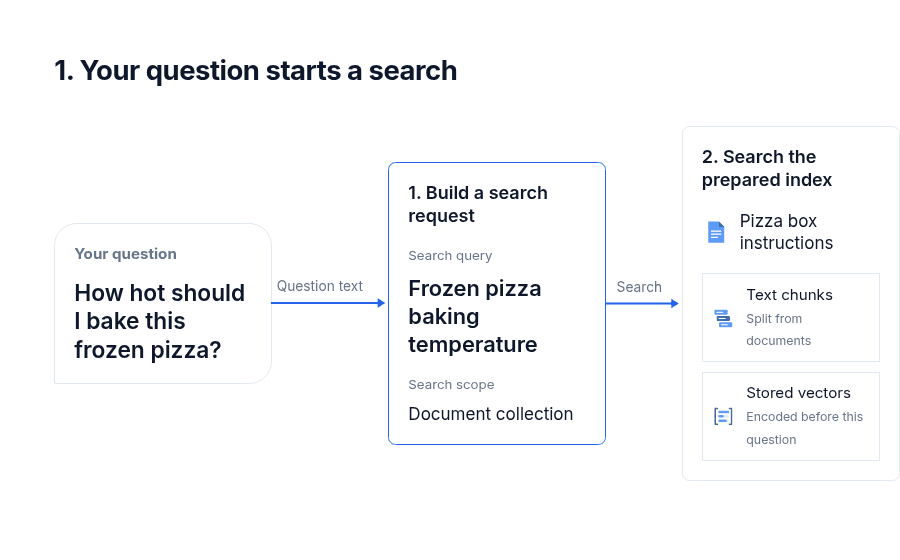
Layers
- 1. Your question starts a search
- Your question
- How hot should I bake this frozen pizza?
- Question text
- 1. Build a search request
- Search query
- Frozen pizza baking temperature
- Search scope
- Document collection
- Search
- 2. Search the prepared index
- Pizza box instructions
- Text chunks
- Stored vectors
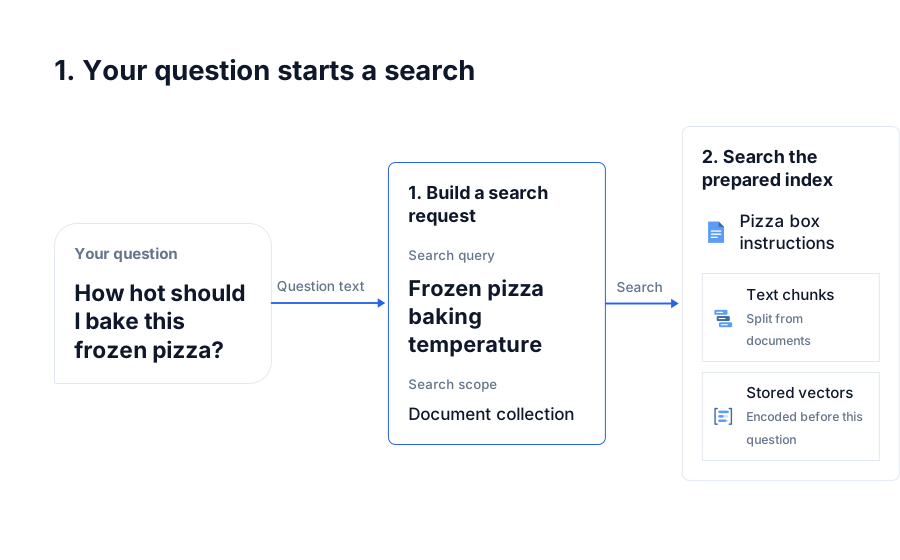
Text
Inter
Regular · 17
#0F172A
Ask AI. Get a diagram back.
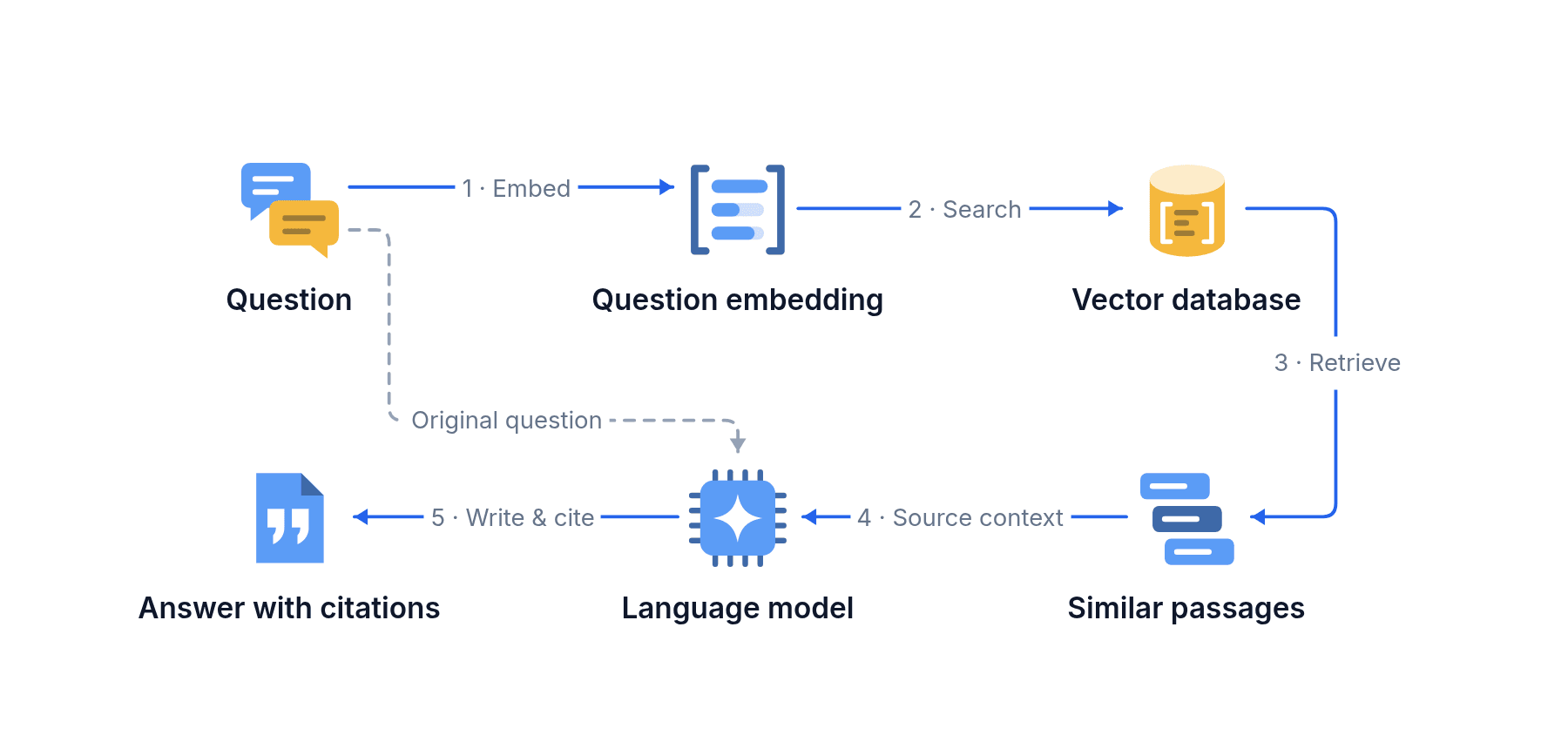
Connect diagramkit to Claude or ChatGPT. When you ask how something works, the answer comes with a diagram, saved to your library.
Here is how a RAG system finds the right passages before the model answers.
From your terminal to your README.
Ask Claude Code or Codex for a diagram while you work, then save it straight into your docs.
>
README.md
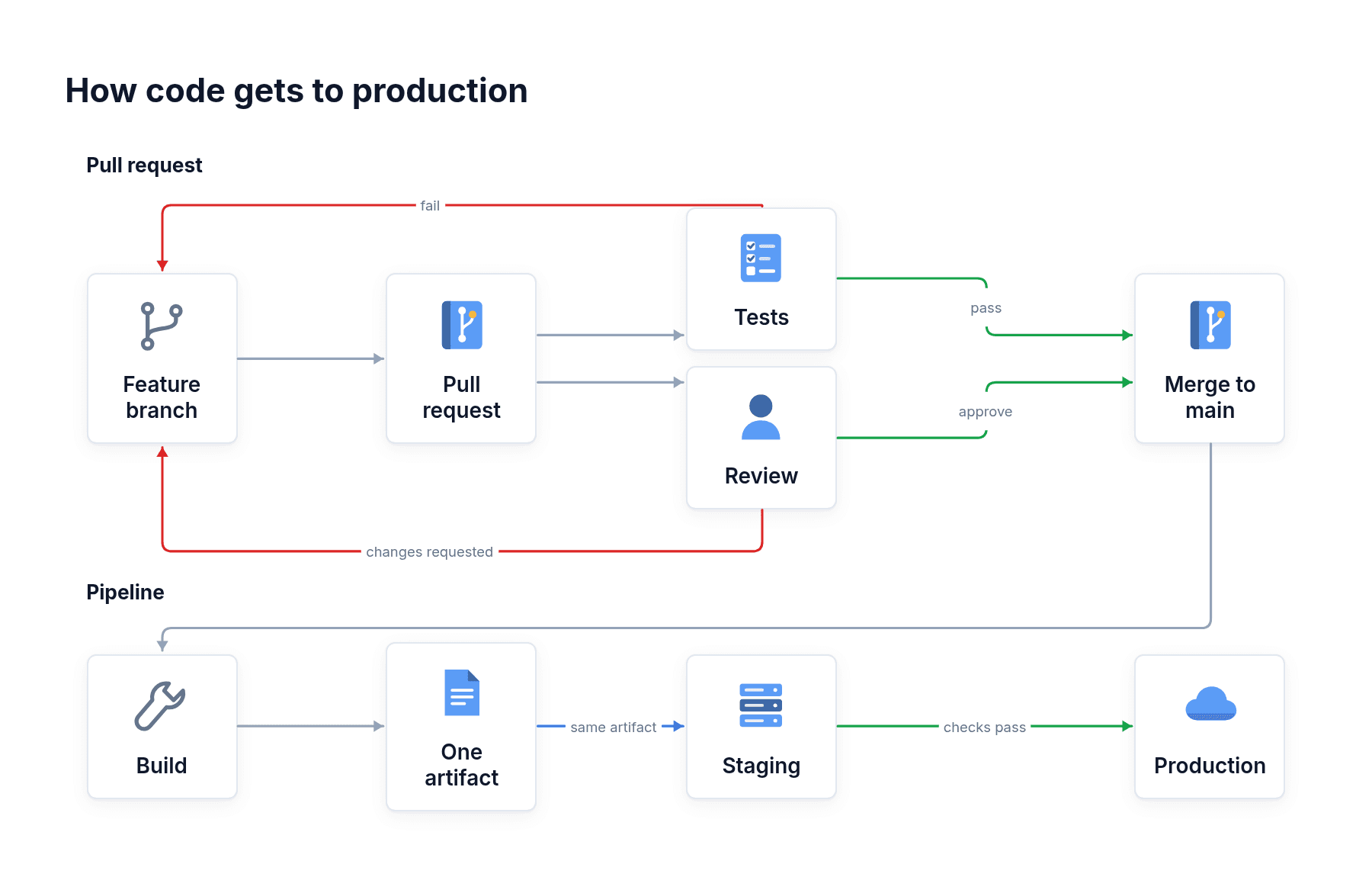
How deploys work
Every change goes through a pull request, tests and review before it reaches production.
Drop it into your slides.
MP4s play inside PowerPoint, Keynote and Google Slides. Use PNG or PDF everywhere else.
Make diagrams from your product.
Send one API request and get the finished image back. Use it in a help center, a learning app or an agent you build.
Help center
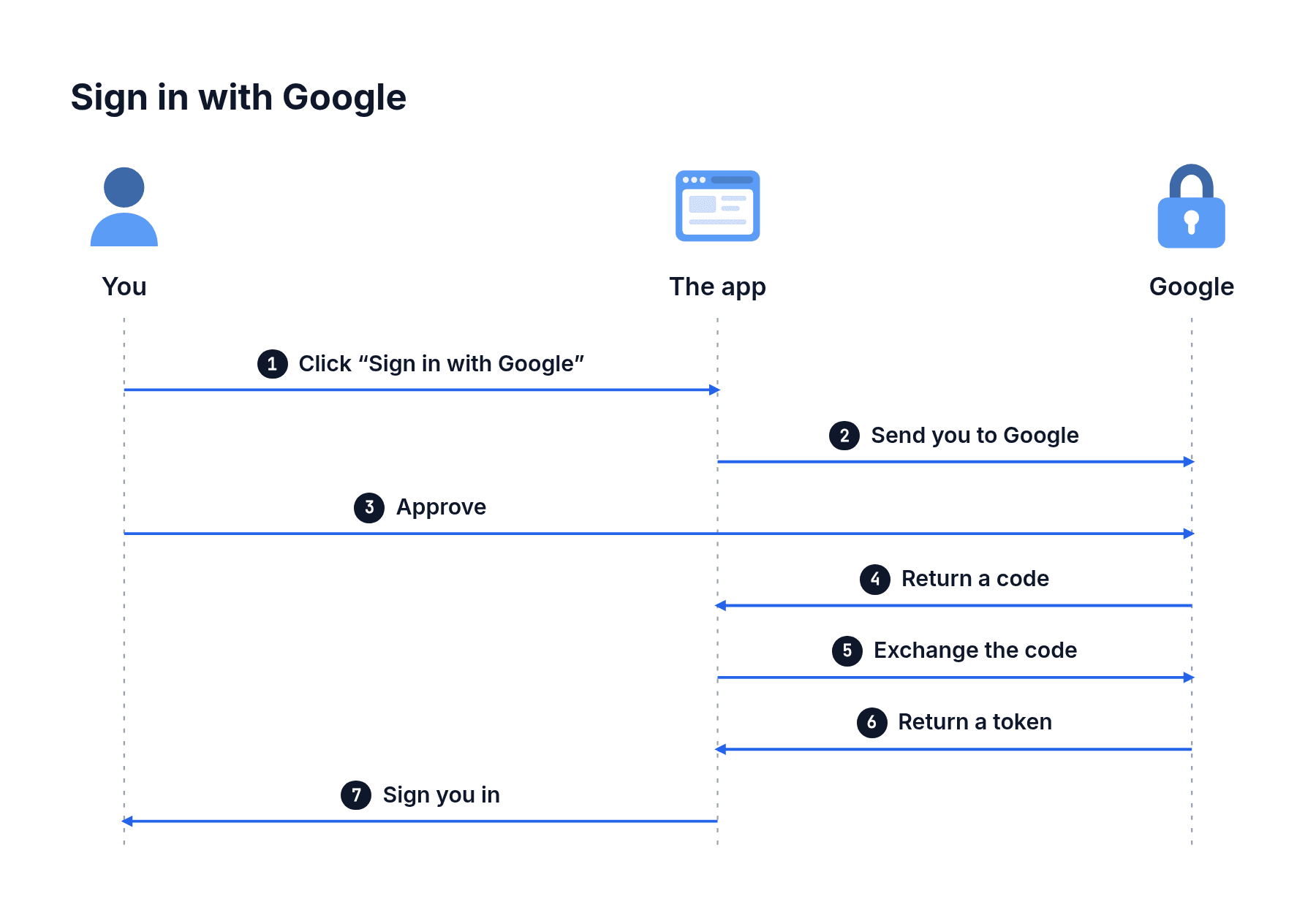
How does sign-in with Google work?
You choose Google, approve access, and you are signed in. Here is every step:
Set up your brand once.
Send your design tokens or Claude Design system. Every diagram after that uses your colours, fonts and shapes.
Team and Enterprise
tokens.json
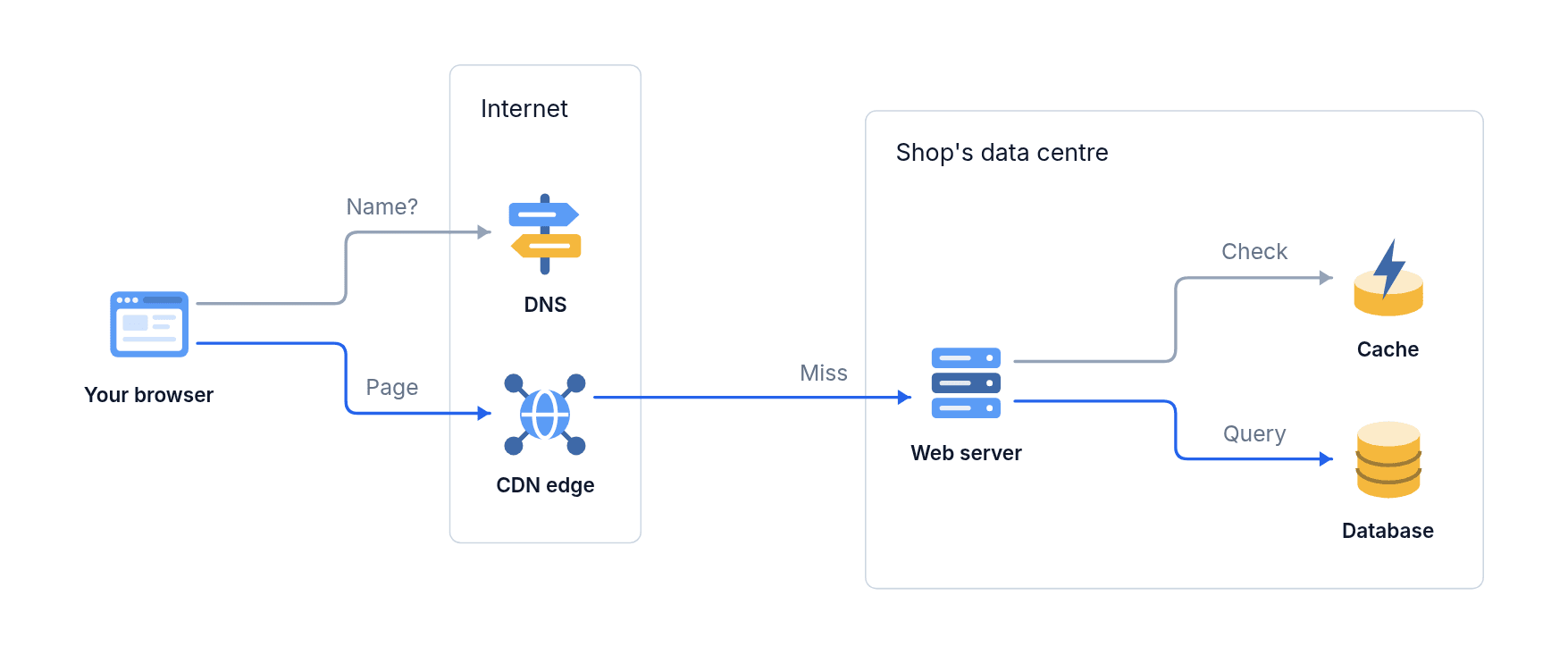
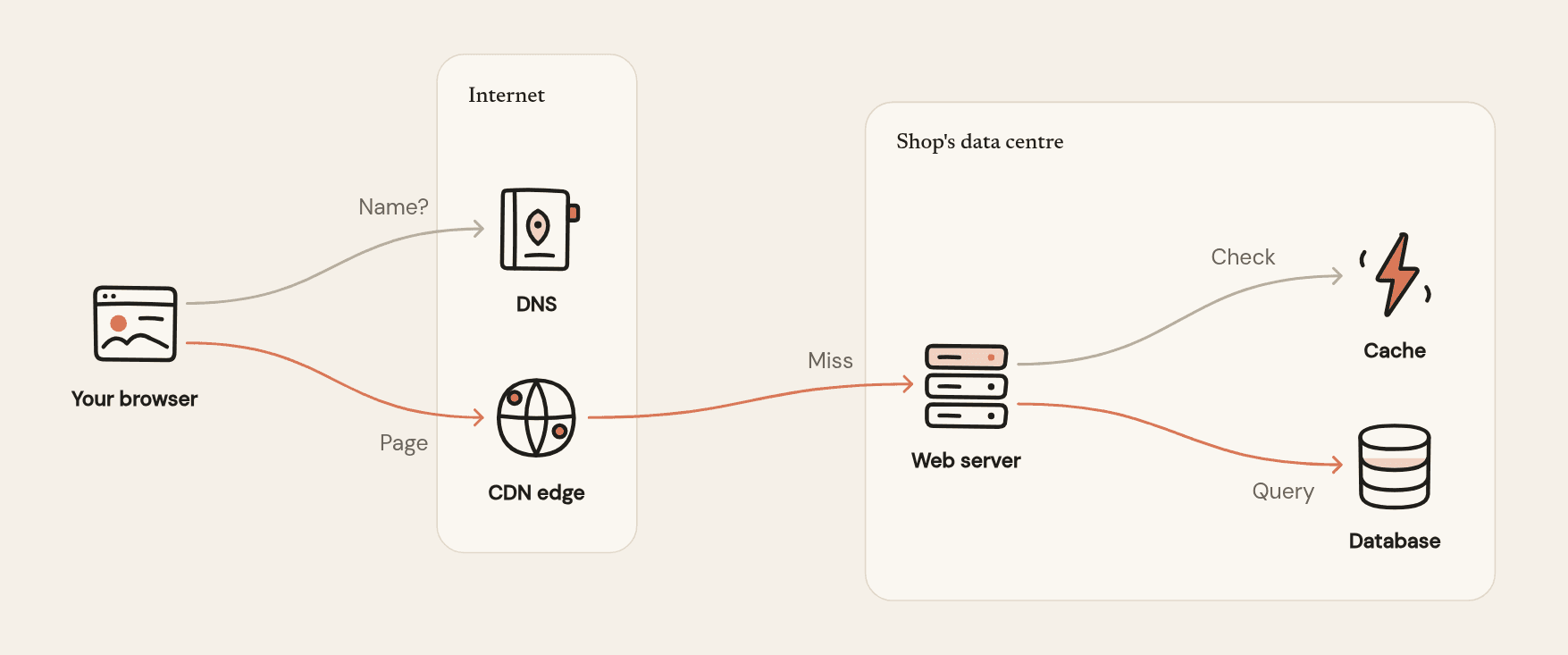
Works with everything.
| Tool | How it works | Plan |
|---|---|---|
| Ask for diagrams | ||
| Add it as a connector on the web, desktop or mobile. Diagrams come back in the chat. | Every plan | |
| Add it as an app in Developer mode. Diagrams come back in the chat. | Every plan (ChatGPT Plus and above) | |
| One command adds it to every project. Save diagrams straight into your repo. | Every plan | |
| Add it, sign in and ask from the terminal. | Every plan | |
| Connect any MCP agent with an API key. | Every plan | |
| Build with | ||
| Make, change, animate and download diagrams from your code. | Every plan | |
| The whole API as one OpenAPI file, for code generators and API clients. | Every plan | |
| The API reference in plain Markdown, so a coding agent can write the integration. | Every plan | |
| Bring your brand from | ||
| Send the system’s tokens. Colours, fonts, corners and shadows carry over. | Team and Enterprise | |
| Export your variables as design tokens and send the file. | Team and Enterprise | |
| Any W3C Design Tokens file. | Team and Enterprise | |
| Name the font, or send your own font files. | Team and Enterprise | |
| The Brand kit page sets up your brand from them and redraws your diagrams. | Team and Enterprise | |
| Send diagrams to | ||
| SVG, with every label as a text layer you can edit. | Paid plans | |
| PNG or JPG, ready to paste. | Every plan | |
| SVG or PNG in your README and docs. | SVG on paid plans | |
| PNG or JPG. | Every plan | |
| PNG for stills, MP4 that plays on the slide. | Every plan | |
| PNG for stills, MP4 that plays on the slide. | Every plan | |
| MP4 or GIF, square or portrait. | Every plan | |
| MP4 in square or story size; carousels as numbered pages. | Every plan | |
| MP4 in landscape for videos, story size for Shorts. | Every plan | |
| MP4 or GIF for posts, PDF for document carousels. | PDF on paid plans | |
| Vector PDF for books, papers and handouts. | Paid plans | |
| Keep diagrams in | ||
| A bucket your company owns, in the region you choose. | Enterprise | |
| Or any storage that works with the S3 API. | Enterprise | |
Animate it and post it.
Click Animate, download an MP4 or GIF sized for the feed, and post it to LinkedIn, X or Instagram.
Your companyEngineering · now
Why a pendulum keeps time: each swing takes the same time, however far it goes.
Like · Comment · Repost