Comparison
diagramkit vs ChatGPT
An image from ChatGPT Images and an editable diagram drawn through diagramkit’s MCP. Same prompt, two results.
The same prompt in ChatGPT Images and diagramkit
We gave ChatGPT Images and diagramkit the same prompt. Here's what each one drew.
How MCP (the Model Context Protocol) works: an AI app like Claude connects to MCP servers, each server lists its tools, the model picks a tool, the app calls it, and the result goes back to the model.
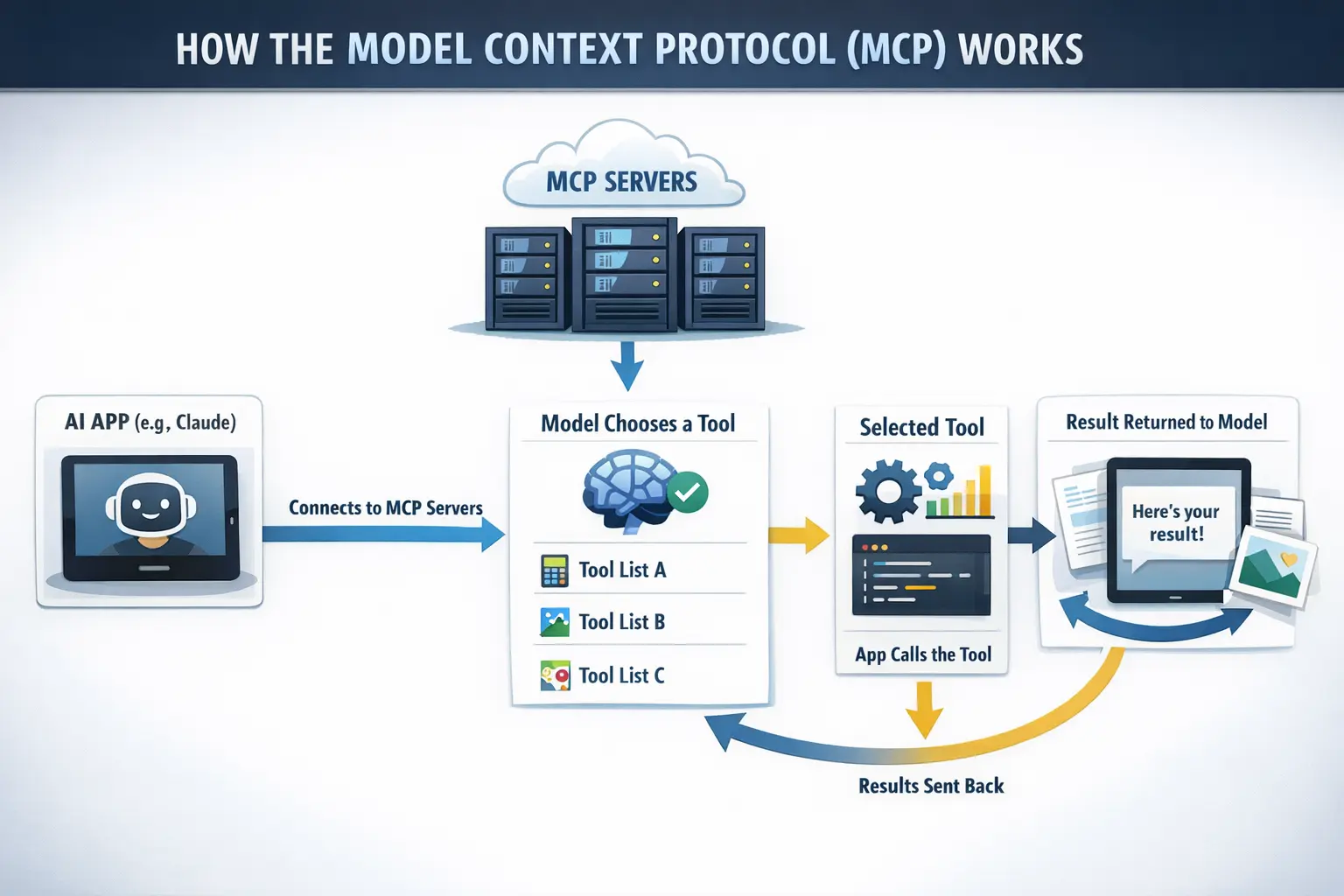
- Typo: “e.g,” for “e.g.”
- “Connects to MCP Servers” points at the model, not the servers.
- The servers feed straight into the model. The app sits between them.
- This arrow points at nothing.
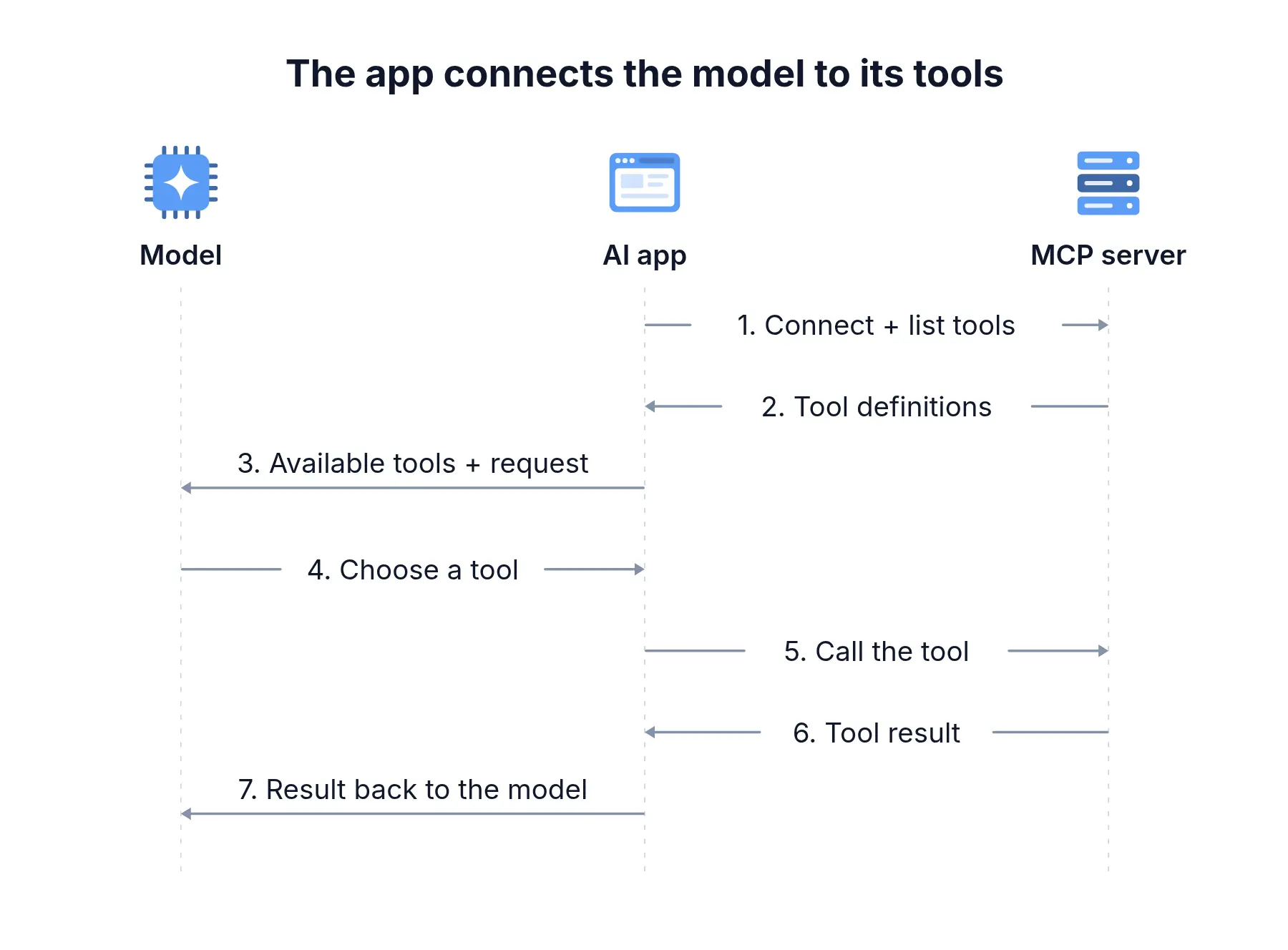
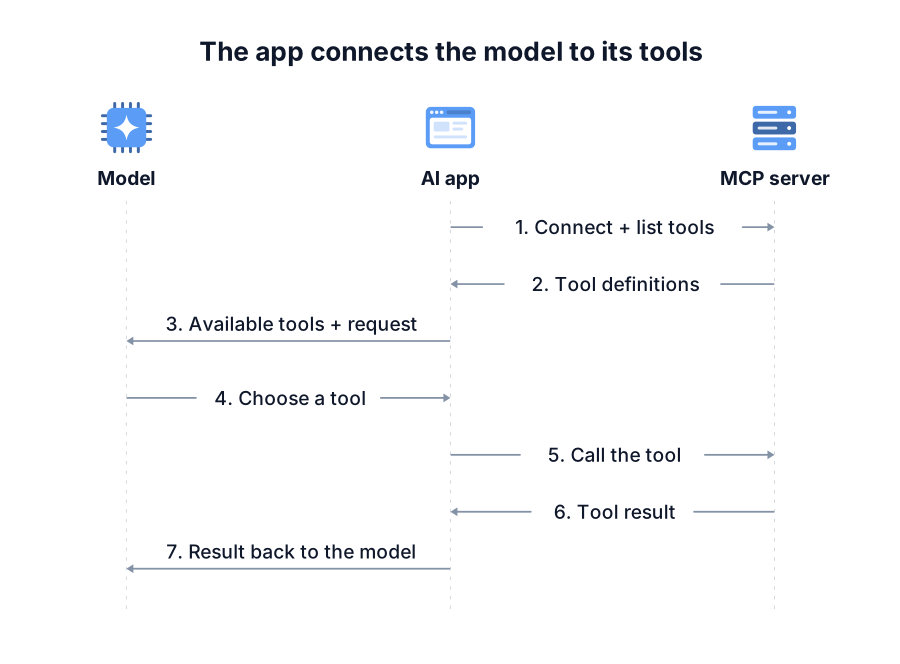
ChatGPT Images: chatgpt-image-latest. The diagramkit example was rendered and checked through its MCP. These are individual outputs for the prompt shown.
What happens after the first draft?
The generated image
ChatGPT’s example is a single image. Its text, arrows and illustrations are part of the picture.
The diagramkit version
- Move parts and edit labels on the canvas.
- Ask your assistant to revise the saved diagram.
- Export images, vectors or an animation.